Guide: School social media
What should schools post on social media? Ideas by term, how often to post and the safeguarding rules
School social media post ideas for every term, how often to post, which platforms suit schools, and the consent and safeguarding rules to follow.
Last checked
Schools should post the everyday life of the school: lessons, clubs, trips, celebrations and useful reminders, plus the big admissions moments of the year. Two to four good posts a week is plenty for most schools, as long as every photo and video follows your consent list and safeguarding policy.
This guide gives you post ideas for each term, suggests which platforms to use, and sets out the rules that keep pupils safe.
What should schools post on social media?
Think of your social media as a window into the school. Most good posts fit one of six types:
- Everyday learning. A science practical, a reading corner, a PE lesson. Ordinary days are what families want to see.
- People. Staff introductions, a day with the site team, pupil voice without full names.
- Celebrations. Awards, performances, sports results and charity events.
- Useful information. Term dates, reminders, closures and letters home.
- Admissions. Open evening dates, tours, application deadlines and films about the school.
- Community. Local partners, visitors, trips, and news from your trust’s other schools.
Aim for a mix. If every post is a reminder, people stop reading. If every post is a celebration, it stops feeling real.
School social media post ideas by term
Autumn term
- Welcome back, and first-day photos of new Reception and Year 7 classes (with permission)
- Meet the new staff
- An open evening countdown, the evening itself, and reminders that Year 7 applications close on 31 October
- Harvest, Remembrance and charity events
- Reception tours and open mornings, with reminders that Reception applications close on 15 January
- Christmas performances, fairs and the last day of term
Spring term
- Final reminders for Reception applications before 15 January
- Book weeks and World Book Day
- Science, maths and language events
- Trips and residentials
- A warm welcome to new families after secondary offer day on 1 March
- Easter activities
Summer term
- A warm welcome to new families after primary offer day on 16 April
- Sports day
- Encouragement during exam season (never photos of pupils sitting exams)
- Trips, performances and summer fairs
- Transition days for new Reception and Year 7 pupils
- Leavers’ assemblies and proms
- Thank-you posts to staff and families at the end of the year
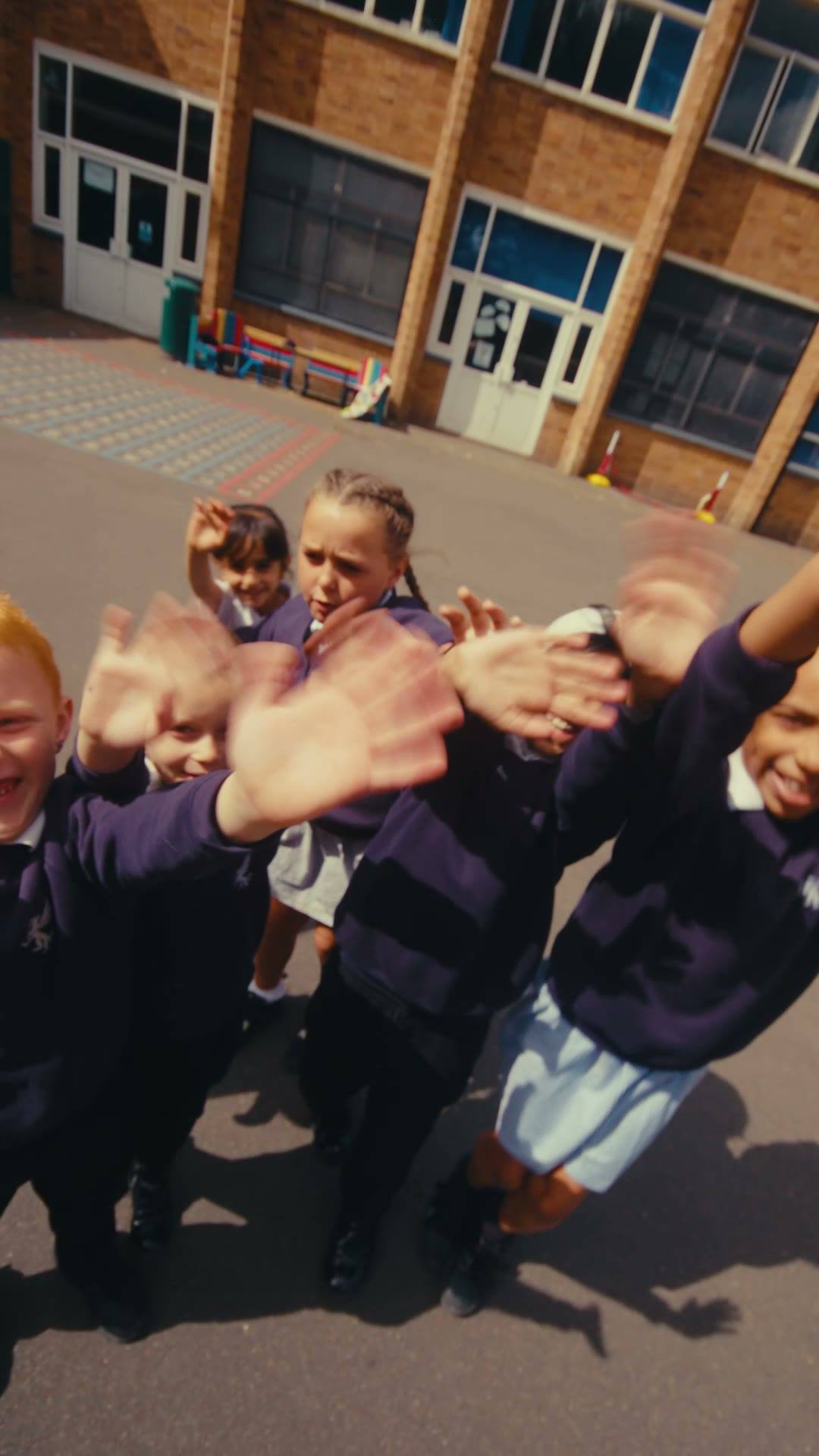
Big events make good short videos. For Bournville School we created a series covering a day in the life at each phase, Sports Day, the Year 11 leavers’ assembly and the prom the school shares with Smith’s Wood Academy.
How often should a school post?
Consistency matters more than volume. For most schools, two to four posts a week is a good rhythm: enough to stay visible, and manageable for a busy office. Plan a term at a time, with key dates and events in a simple calendar, and leave space for the things you cannot plan.
A simple weekly pattern helps:
- Monday: something from the classroom
- Wednesday: a useful reminder or piece of news
- Friday: a celebration of the week
Step it up during open evening season, with a short clip or reminder every few days in the run-up to the event and the deadline. Our guide to open evening video ideas has a simple posting plan.
Which platforms should schools use?
| Platform | Best for | What to post |
|---|---|---|
| Current and prospective parents, and the local community | Events, reminders, celebrations, open evening films | |
| Families and older pupils | Photos and short vertical videos of school life | |
| Staff recruitment, partners and trust news | Vacancies, staff stories, trust-wide achievements | |
| YouTube | Longer films | Open evening and showcase films, embedded on your website |
| TikTok | Use with care | See below |
You do not need to be everywhere. Two platforms done well beat five done badly.
For staff recruitment, LinkedIn works well alongside Teaching Vacancies, the Department for Education’s free job-listing service for state-funded schools and trusts in England. Share each vacancy with a short line about why people enjoy working at your school.
A word of caution about TikTok
TikTok’s terms allow anyone aged 13 or over to use it, so many of your secondary pupils may already be there. That makes it a place where pupils, not just parents, will see, share and comment on your posts. NSPCC also reminds organisations that once images of children are online, anyone can copy, download, screenshot or share them.
If you do use TikTok, keep identifiable pupils to a minimum, moderate comments closely and agree in advance what you will and will not post. For many schools, Facebook and Instagram are enough.
The safeguarding and consent rules
DfE says social media often needs extra care, and that it involves wider sharing and may carry higher privacy risks. It notes that many schools collect specific consent for it. Before anything goes out:
- Check the photo consent or opt-out list for every pupil in the image
- Never post pupils who must not be identified, such as those with safeguarding concerns, under court orders, or in care or adopted where their identity needs protecting
- Do not put full names alongside photos
- Remove location data from image files
- Choose images that focus on the activity, not on one child
- Take an image down promptly if a family withdraws permission
Our guide to filming and photographing in schools explains the law in more detail.
What should schools avoid posting?
- Swimming, changing rooms or anything where clothing could be misread. NSPCC advises choosing images of children in appropriate clothing and avoiding images that could be misinterpreted or misused.
- Live locations. Do not tag where pupils are. Post about a trip once everyone is back, not while pupils are still there.
- Behaviour, complaints or anything that singles out a child. These belong in private conversations.
- Pupils who look upset or unwell, even if you have permission. Ask yourself whether they would be happy to see it in five years’ time.
- Unchecked shares. Before sharing a parent’s or partner’s post, check it does not show a pupil who must not be identified.
How do you manage school social media? Who should run it?
DfE’s guidance says access to school social media accounts should be limited to trained staff who understand your data protection and safeguarding policies. It also says you should avoid relying on one person, in case they are absent. In practice:
- Use school-owned accounts, never personal ones. NSPCC advises organisations to set up organisation accounts for any platform they use.
- Name a small team, for example someone in the office, a member of the senior team and a deputy, each with a clear role.
- Agree an approval step for anything sensitive.
- Keep logins secure, and change them when someone leaves.
- Write it down. KCSIE 2026 says your staff behaviour policy should cover communications between staff and pupils, including social media. Your photo and video policy should cover what the school posts.
- Plan your replies. Answer simple public questions politely, and move anything personal or any complaint to a private channel.
Some schools bring in outside help for the content itself, such as planning, filming and editing, while the school keeps control of its accounts.
How Moments can help
We plan and create social media content for schools and trusts, from one-off posts and videos for a big event to monthly packages of planned posts and short films. For Bournville School we created a series of short vertical videos, filmed in school and edited for phones, ready for the school to post on its own channels.
Find out more about our school social media management service, or get in touch for a clear, fixed quote.
FAQs
Common questions
- Can schools post pictures of students on Facebook?
- Yes, if the school has a lawful basis, has told families how images will be used and respects anyone who has opted out. DfE notes that many schools collect specific consent for social media because posts can be shared widely. Check your list before every post, and do not name pupils alongside their photos.
- Should staff use their personal accounts to post for the school?
- No. NSPCC advises organisations to set up organisation accounts rather than use personal ones, and DfE says staff should avoid using personal devices to take or store school photos unless your policy explicitly allows it. Use school-owned accounts and devices, with access for named, trained staff.
- What are good back to school social media posts?
- A welcome back message, first-day photos of new Reception and Year 7 classes (with permission), introductions to new staff, a reminder of term dates and a look at anything new around the school. Add your open event dates early, because families are already planning visits.
- Should schools reply to comments on social media?
- Reply to simple public questions, such as event times, quickly and politely. Move anything personal, any complaint or any question about a named child to a private channel, such as a phone call or your usual complaints process. Decide in advance who replies and how quickly.
- Do schools need a social media policy?
- It is wise to have one. KCSIE 2026 says a school’s staff behaviour policy should cover communications between staff and pupils, including the use of social media, and DfE recommends a clear photo and video policy. Together they should cover who posts, what can be shared and how consent is checked.
Sources
- GOV.UK: Data protection in schools, taking and using photos and videos (opens in a new tab)
- NSPCC Learning: Photographing and filming children (opens in a new tab)
- GOV.UK: Keeping children safe in education 2026 (opens in a new tab)
- TikTok: Terms of Service (EEA, UK and Switzerland) (opens in a new tab)
- GOV.UK: List a teaching job at your school on Teaching Vacancies (opens in a new tab)
- GOV.UK: School admissions, how to apply (opens in a new tab)